
Ellan
Joined - December 2025

A practical 15–30 minute inspection guide for testing used iPhones and Android phones, spotting hidden problems, checking ownership risks and making a smarter buying decision.
A used smartphone can look perfect on the outside and still have an expensive problem hiding underneath.
A weak battery. Faulty touchscreen. Damaged charging port. Bad camera. Network problem. Previous repair. Activation Lock. Google account protection. Or a device whose identity simply doesn't add up.
You don't need to be a phone technician to check these things.
You just need to know what to test, where to look and which warning signs should make you stop before paying.
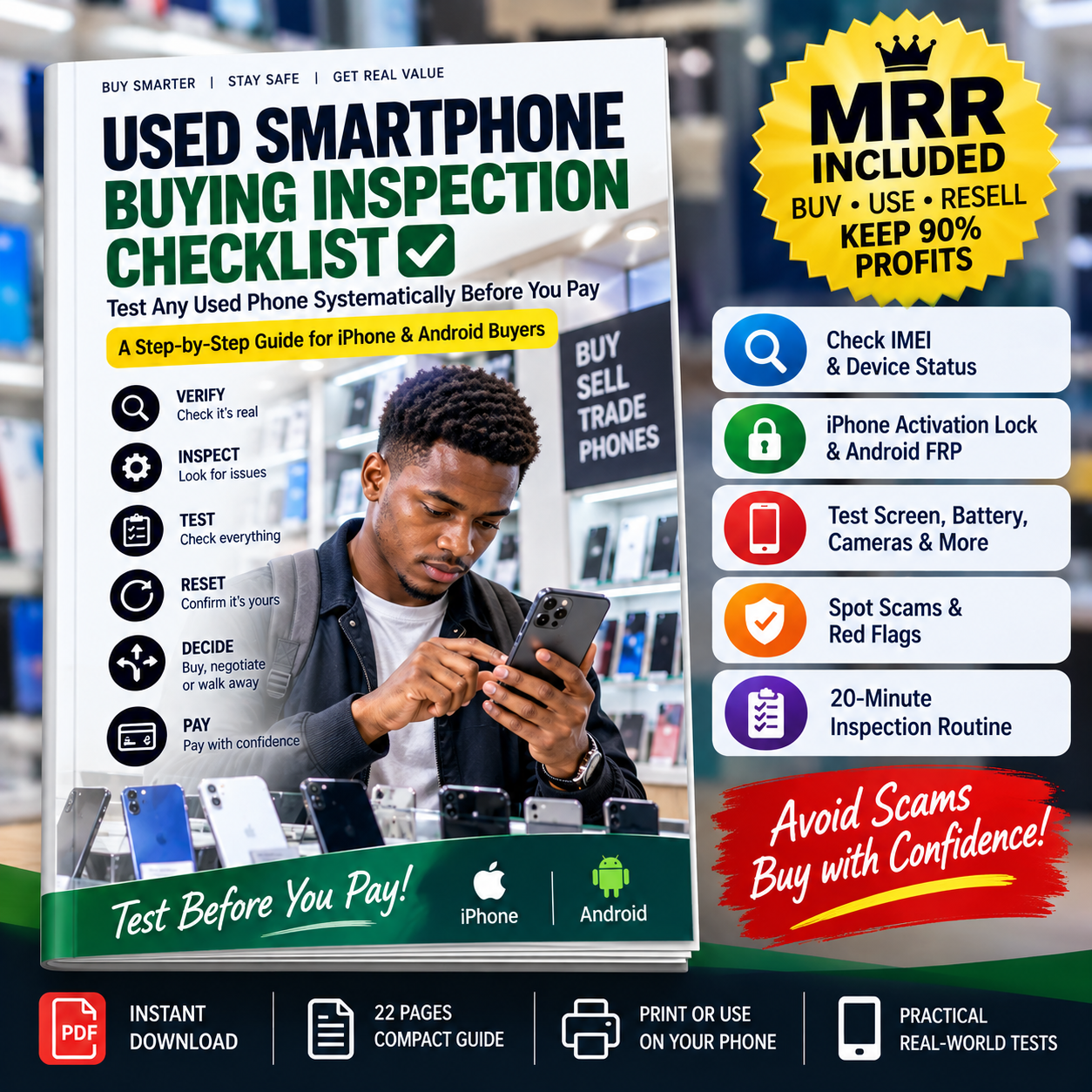
Used Smartphone Buying Inspection Checklist gives you a systematic process you can follow while standing in a phone shop or meeting a private seller.
When buying a second-hand smartphone, simply switching it on, opening the camera and checking the screen isn't enough.
Some of the most important problems only become obvious when you know where to look.
This compact guide walks you through the inspection from beginning to end.
Take it with you on your phone and follow the checklist as you inspect the device.
No technical expertise required.
Learn how to check the phone's:
Exact model
Storage capacity
Serial number
IMEI
Software version
Device information
You'll also learn why inconsistent device information should be treated as a serious warning sign.
The guide explains how to locate the IMEI and why checking a used phone's identity and status is an important part of the buying process.
A phone looking genuine is not enough.
You'll know what to investigate before handing over your money.
Buying a used iPhone?
One of the most important checks happens before payment.
The guide shows you what to look for when the seller removes their Apple Account and prepares the iPhone for its new owner.
If the phone displays:
“iPhone Locked to Owner”
you'll know why you shouldn't simply accept a promise that it will be fixed later.
An Android phone may appear to work perfectly while you're testing it—then request the previous owner's Google account after it has been reset.
The guide explains Android device protection and gives you a safe handover procedure to follow with the legitimate seller.
This can help you avoid paying for a phone you cannot properly set up under your own account.
Don't just swipe left and right.
Use a systematic screen inspection to check for:
Dead touch zones
Ghost touches
Dead or bright pixels
Screen burn-in
Flickering
Discoloration
Green or pink lines
Dark patches
Brightness problems
Rotation and proximity problems
The booklet includes a simple touch-grid and full-screen colour test.
Learn what to inspect on both iPhone and Android.
Check for:
Battery-health information
Abnormal heating
Sudden battery percentage drops
Unexpected shutdowns
Battery warnings
Charging problems
Possible battery swelling
There's also a practical 5–10 minute battery stress observation you can perform while inspecting the phone.
Plug in a known-working charger and check:
Does charging start properly?
Is the connection stable?
Is the charging port loose?
Does charging repeatedly disconnect?
Does fast charging work where supported?
Does wireless charging work where relevant?
A phone that charges in the seller's hand isn't automatically a phone with a healthy charging system.
Don't test only the main camera.
The checklist walks you through testing:
Main Camera • Ultra-Wide • Telephoto/Zoom • Selfie Camera • Autofocus • Flash • Video • Stabilization
You'll also take simple test photos designed to expose problems such as haze, permanent spots, focusing problems, condensation and abnormal camera behaviour.
The guide gives you a real-world audio test using:
Normal phone call
Speakerphone
Voice recording
Video recording
Playback
Check the earpiece, loudspeaker and microphones before you pay.
A phone connecting to Wi-Fi doesn't prove that everything works.
Test:
SIM • Network Signal • Calls • SMS • Mobile Data • Wi-Fi • Bluetooth • GPS • Hotspot • NFC
You'll also know to investigate network/carrier restrictions where relevant.
Check the smaller features buyers often forget:
Face ID / Face Unlock
Fingerprint sensor
Power button
Volume buttons
Vibration/haptics
Auto-rotation
Proximity sensor
Ambient-light sensor
GPS
Compass
SIM tray
Ports
One forgotten defect can become an irritating—or expensive—problem after purchase.
Learn the warning signs that may indicate previous liquid exposure or poor repair work.
For supported iPhones, the guide also shows you where to check Parts & Service History.
For Android devices, you'll learn practical physical and functional signs that can suggest previous repairs.
Need to inspect a phone quickly?
Use the included chronological routine:
Minutes 0–2: Identity & IMEI
Minutes 2–5: Physical condition
Minutes 5–8: Screen & touch
Minutes 8–11: Battery & charging
Minutes 11–14: Cameras & audio
Minutes 14–17: SIM & connectivity
Minutes 17–20: Ownership, reset & final verification
Instead of wondering what to check next, simply work down the checklist.
The guide includes a dedicated WALK AWAY IF... section.
Warning signs include:
🚩 Seller refuses reasonable IMEI inspection
🚩 Device identity information doesn't match
🚩 Device is reported lost or stolen
🚩 iPhone shows Activation Lock / Locked to Owner
🚩 Android requests the previous owner's credentials after the agreed reset
🚩 Seller refuses to remove their account
🚩 Seller won't allow basic testing
🚩 Phone repeatedly restarts
🚩 Battery appears swollen
🚩 Seller pressures you to pay immediately
🚩 The device differs materially from its description
Some problems aren't reasons to negotiate.
They're reasons to stop the transaction.
After completing the inspection, use the included scorecard to evaluate the phone.
Critical checks pass, ownership and identity are reasonably verified, and the phone's condition matches the price.
The phone is usable but has disclosed, acceptable problems whose repair or replacement costs you can factor into your offer.
There is an unresolved ownership lock, problematic device status, serious battery/safety concern or critical functionality failure.
Record:
Phone model
Storage
IMEI check
Asking price
Screen condition
Battery
Charging
Cameras
Speakers
Microphones
SIM/network
Wi-Fi
Bluetooth
GPS
Biometrics
Repair history
Reset/activation status
PASS/FAIL results
Notes
Plus a simple proof-of-sale template for recording the transaction.
Don't want to read the whole booklet while standing in the shop?
Use the condensed one-page checklist.
Save it to your phone and pull it up whenever you're inspecting a second-hand device.
Check the essentials.
Make your decision.
Then pay.
This practical booklet is ideal for:
Used iPhone buyers • Used Android buyers • Students • Parents buying phones for children • Smartphone resellers • Phone-shop customers • Online marketplace buyers • Refurbished-phone buyers • Anyone buying a second-hand smartphone
Whether you're buying an iPhone, Samsung Galaxy, Google Pixel, Xiaomi or another Android smartphone, the guide gives you a repeatable inspection process.
Because when you're standing in front of a seller, you don't want to search ten different questions and try to remember what you've forgotten.
This guide packages the inspection into one structured process.
You don't have to ask:
"What should I check next?"
Open the booklet and follow:
That's the value of structured knowledge: less searching, less guessing and a clearer action process.
This isn't only a practical guide you can use yourself.
Your purchase includes Vezill Master Resell Rights (MRR), subject to the licence terms supplied with the product.
That means you can learn from the guide and then potentially resell the digital product through Vezill under the permitted MRR terms.
People buy used smartphones every day.
And many of those buyers are asking questions such as:
What should I check before buying a used phone?
How do I test a second-hand iPhone?
How can I check a used Android phone before buying?
How do I know if a used phone is stolen or locked?
How do I check an iPhone's battery health?
How do I test a phone's touchscreen?
What is Activation Lock?
What should I check before paying for a second-hand phone?
You're purchasing a digital product built around a recurring consumer problem.
Under the applicable Vezill MRR licence, you can also introduce the guide to other buyers who need the same solution.
MRR does not guarantee sales or income. Your results depend on your pricing, marketing, audience and effort.
A used smartphone can cost hundreds of dollars or tens of thousands of shillings.
The cost of this guide is small compared with discovering after payment that the phone has an ownership lock, defective touchscreen, weak battery, damaged charging port, faulty camera or another problem you could have tested beforehand.
Don't inspect a used phone from memory.
Don't depend entirely on what the seller tells you.
Don't pay first and investigate later.
Get the Used Smartphone Buying Inspection Checklist today and approach your next second-hand phone purchase with a clear inspection process.
Get the updates, on newly released, popular & fast-moving MRR digital products
Up to Top



Comments