
Ellan
Joined - December 2025

Need to apply for your child's birth certificate, replace a lost certificate, complete late birth registration or correct birth details?
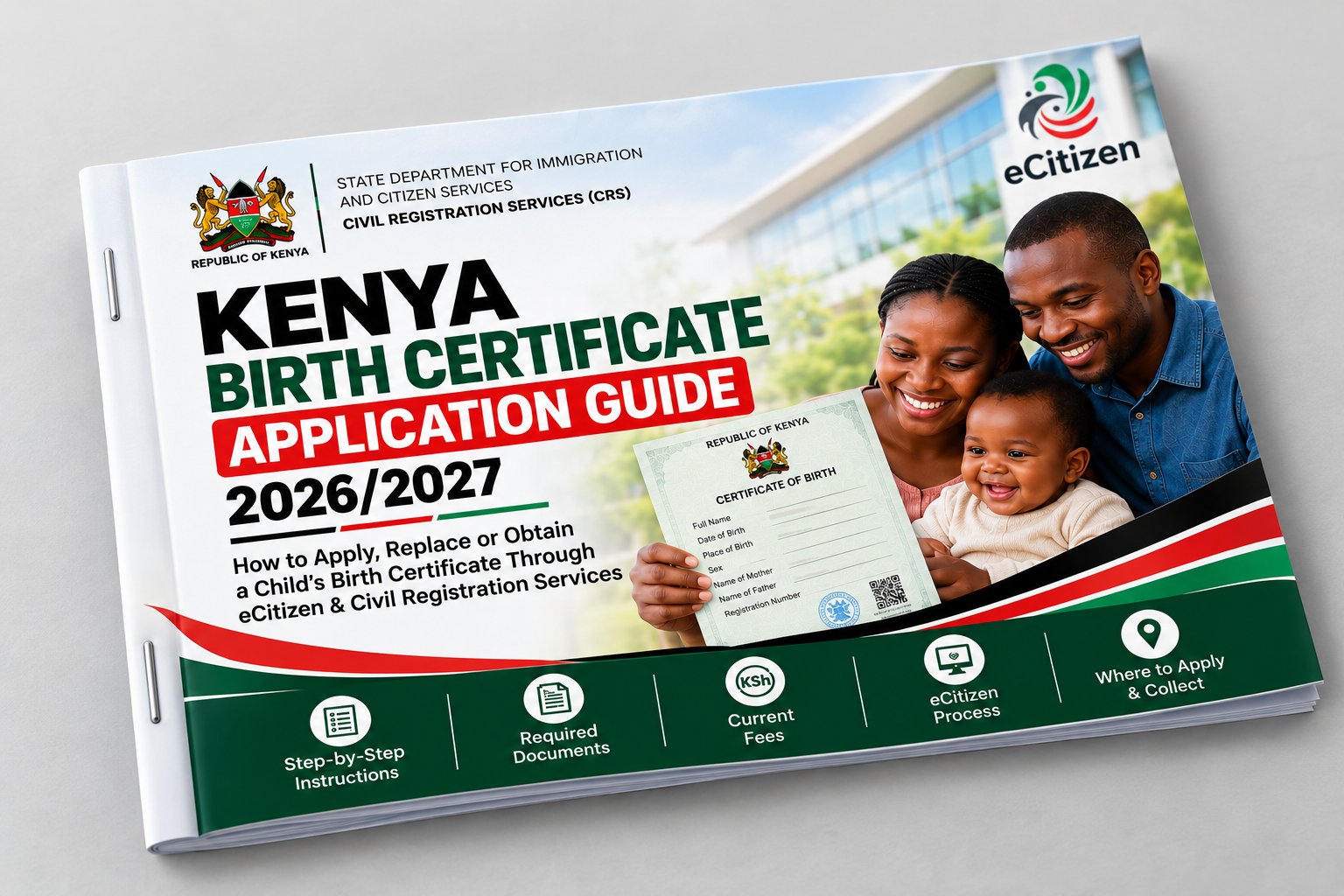
The Kenya Birth Certificate Application Guide 2026/2027 is a practical, beginner-friendly 25-page action guide designed to help you understand the birth certificate application process in Kenya and know what to do before, during and after your application.
Instead of searching through different websites, social-media posts and outdated instructions, use one structured guide that walks you through the process step by step.
How do I apply for a birth certificate online in Kenya?
How do I use eCitizen for a birth certificate application?
What documents do I need for a child's birth certificate?
What is a Birth Notification or ABN?
What if the birth was never registered?
How do I apply for late registration of birth in Kenya?
What if my birth certificate is lost or damaged?
How do I correct an error on a birth certificate?
How can the father's name be added where applicable?
What happens after submitting the application?
This guide brings these issues together into a simple, results-oriented process.
One of the biggest sources of confusion is assuming that every birth-certificate problem requires the same application.
It doesn't.
The guide helps you distinguish between:
✓ Current Birth Certificate Application
✓ Late Registration of Birth
✓ Lost or Damaged Birth Certificate / Certified Copy
✓ Correction or Change of Particulars
✓ Re-registration to Add Father's Details Where Applicable
✓ Births Outside a Hospital
✓ Birth of a Kenyan Citizen Abroad
You'll start with a simple “Which Service Do I Need?” decision tool so you can identify the appropriate route before spending time or money on an application.
Understand the difference between a Birth Notification/ABN and the actual Birth Certificate — and why confusing the two can create problems during an application.
Use the included Pre-Application Checklist to organize important information and documents before starting.
You'll know what may be:
✓ Always required
✓ Sometimes required
✓ Required only for special cases
Follow a practical walkthrough covering the key stages of using eCitizen and Civil Registration Services (CRS).
Learn how to:
✓ Access the appropriate government service
✓ Select the correct application category
✓ Enter the child's information correctly
✓ Provide parent or guardian information
✓ Handle Birth Notification/ABN details
✓ Review your information before submission
✓ Pay through official channels
✓ Keep important application records
✓ Follow the application through to issuance
Understand the process from:
Birth → Notification → Registration → Application → Certificate
The guide separately explains what to consider when a child was:
Born in a hospital
or
Born at home/outside a health facility.
Was the birth not registered within the required period?
The guide explains the late-registration route, including the types of supporting evidence that may be relevant and the additional verification that can apply.
There's also a dedicated section for:
Learn the important difference between:
Registering a birth for the first time
and
Obtaining another certificate for a birth that is already registered.
The guide also explains what to do when you don't know the birth entry or notification number.
Understand what to do about issues such as:
✓ Misspelled names
✓ Incorrect particulars
✓ Parent information problems
✓ Missing father's details
✓ Changes requiring formal correction or re-registration
You'll also learn why simply submitting another birth registration can be the wrong approach when a record already exists.
Understand the separate re-registration/recognition process that may apply when adding a father's details.
This section helps distinguish it from an ordinary birth-certificate application.
Get practical guidance for situations such as:
“No record found.”
“I don't have the Birth Notification number.”
“The child's name differs from the notification.”
“The parent details are wrong.”
“I paid but the application hasn't updated.”
“My application is still pending.”
“I lost my payment receipt.”
“I can't access my eCitizen account.”
“My birth was never registered.”
“The hospital never gave me a notification.”
Instead of guessing what to do next, you'll have a structured troubleshooting reference.
The guide includes:
Including problems such as:
✗ Choosing the wrong service
✗ Entering names incorrectly
✗ Providing the wrong date or place of birth
✗ Using inconsistent parent details
✗ Entering incorrect ABN information
✗ Losing payment/application records
✗ Confusing replacement with late registration
✗ Missing supporting evidence
✗ Assuming every case follows exactly the same process
✗ Paying through unofficial channels
The objective isn't merely to tell you where to click.
It's to help you prepare correctly before you click.
This isn't designed like a long academic textbook.
It's a compact action guide you can keep beside you while completing the process.
✓ Service-selection decision tool
✓ Pre-application checklist
✓ Step-by-step application workflow
✓ 60-second final check
✓ Late-registration checklist
✓ Lost-certificate troubleshooting
✓ Correction guidance
✓ Quick action plans
✓ Application tracker
✓ Frequently asked questions
✓ Official help and escalation information
✓ 5-Minute Birth Certificate Action Checklist
By the end of the guide, you should be able to answer:
Which service do I need?
What should I prepare?
Where should I apply?
Which details should I check carefully?
What official fees may apply?
What should I do after submitting?
What if the certificate was lost?
What if the birth was never registered?
What if the information is incorrect?
Where should I seek official help if something goes wrong?
This practical guide is especially useful for:
Parents applying for a child's birth certificate
Guardians helping a minor obtain a certificate
Adults dealing with late birth registration
People replacing lost or damaged certificates
Applicants correcting birth-record information
Kenyans preparing documents for school, ID, passport or other official processes
Cyber café and eCitizen assistance providers who want a structured reference
Digital-product resellers looking for practical Kenyan information products
Birth-registration procedures and digital government services can change.
This guide therefore emphasizes official Civil Registration Services and eCitizen channels, clearly separates different application routes and warns readers to verify case-specific requirements rather than relying on brokers or unofficial information.
Important: This is an independent educational guide, not an official Government of Kenya publication. Government requirements, portal interfaces and fees can change. Always follow the current instructions generated by CRS/eCitizen for your application.
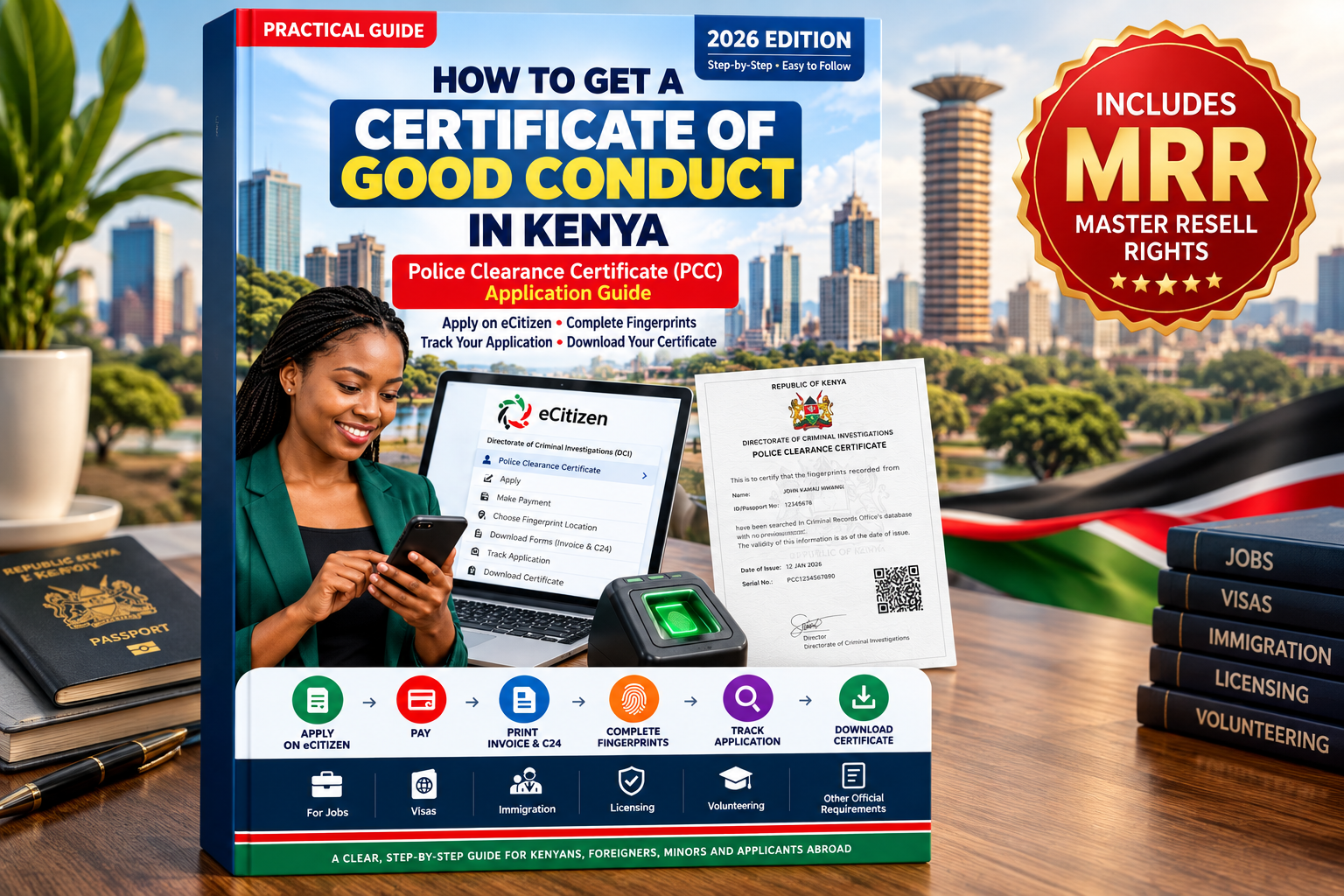
This digital product includes Vezill Master Resell Rights (MRR) subject to the accompanying Vezill licence terms.
That means you aren't buying only useful knowledge.
You're also acquiring a digital product you can potentially resell legally under its licence.
✓ Learn and apply the information yourself
✓ Add the guide to your digital-product catalogue
✓ Promote it to an audience looking for practical Kenyan government-service guidance
✓ Resell it according to the supplied MRR licence
✓ Build a catalogue of useful, problem-solving digital knowledge products
Your resale rights are governed by the Vezill MRR licence supplied with the product. Always follow its specific terms and restrictions.
A small mistake in a name, application category or supporting information can mean more troubleshooting later.
Get a structured guide you can follow from “Which service do I need?” all the way to “My certificate has been issued and I've checked the details.”
25 Pages • Practical • Beginner-Friendly • Step-by-Step • Kenya-Focused • Vezill MRR Included
Get Your Copy Now
Get the updates, on newly released, popular & fast-moving MRR digital products
Up to Top


Comments