
Ellan
Joined - December 2025

Have a song idea but don't know how to turn it into actual music?
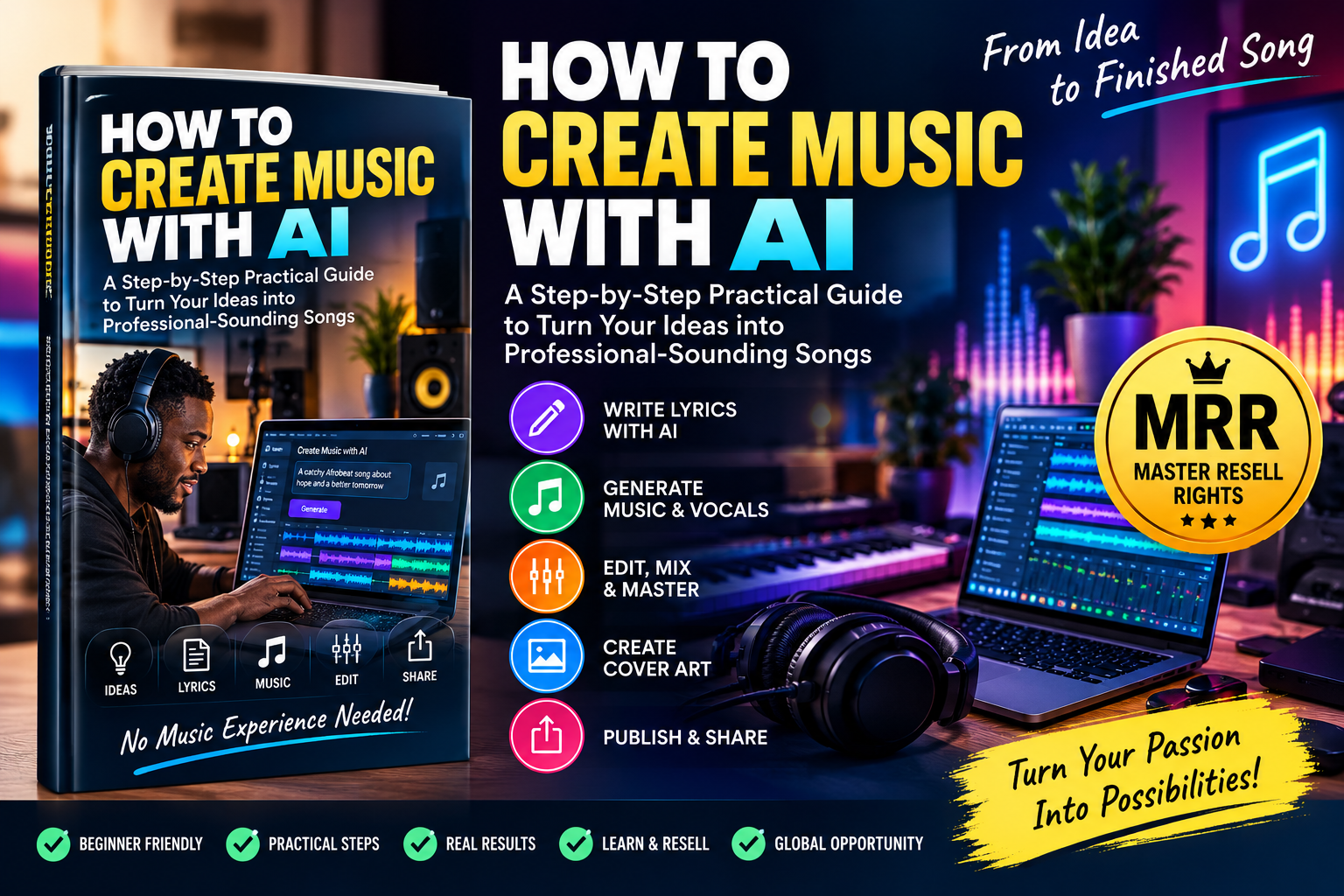
How to Create Music With AI is a practical, beginner-friendly guide that shows you how to use artificial intelligence to move from a simple idea to a finished AI-assisted song.
You don't need to start as a professional music producer, understand complex music theory, own expensive studio equipment or know how to play multiple instruments.
Instead, you'll learn a structured process:
IDEA → LYRICS → AI PROMPT → MUSIC → VOCALS → EDITING → MASTERING → FINISHED SONG
This isn't just a guide explaining what AI music is.
It's a practical knowledge pack designed to help you actually create music.
The guide takes you through the AI music creation process step by step.
You'll learn how to:
Start with something as simple as:
“I want to create an uplifting song about refusing to give up.”
Then learn how to develop it into a structured song concept with a theme, mood, hook, chorus, verses and musical direction.
Learn how to use AI as a songwriting assistant to develop:
Song titles
Hooks
Verses
Choruses
Bridges
Outros
More natural and singable lyrics
You'll also learn why accepting the first AI-generated lyrics is usually a mistake—and how to make the song more original and intentional.
Your prompt can dramatically affect your result.
The guide teaches a simple formula:
Genre + Mood + Tempo + Instruments + Vocal Character + Song Structure + Production Style
Instead of typing:
“Make an Afrobeat song.”
you'll learn how to give an AI music generator detailed creative direction that gives you greater control over the result.
Follow the practical workflow to turn your lyrics and music direction into an actual track.
You'll learn how to:
1. Define your song idea
2. Create your lyrics
3. Choose genre and mood
4. Create the music prompt
5. Generate different versions
6. Listen and identify weaknesses
7. Improve the prompt or lyrics
8. Regenerate strategically
9. Select your strongest version
10. Prepare it for editing and finishing
The key principle you'll learn is:
Generate → Listen → Identify the Problem → Change One Variable → Regenerate → Compare
That turns AI music creation from random experimentation into a repeatable creative process.
The same skills can be applied beyond conventional songs.
Use the guide to understand how to approach:
Full songs with vocals
Instrumental music
Afropop and Afrobeat concepts
Gospel music
Hip-hop
R&B
Pop
Reggae
Dance music
Acoustic music
Background music
Podcast music
YouTube and video background tracks
Cinematic music
Meditation tracks
Intros and outros
Original jingles
Whether you want a complete vocal song or simply background music for content, you'll understand how to adjust the prompt and workflow for the intended result.
Generating the first track is only part of the process.
This guide introduces the practical basics of finishing your music, including:
Audio editing — remove unwanted sections and improve the structure.
Stem separation — understand how vocals, drums, bass and instruments can be separated for greater editing control.
Mixing — improve the balance between vocals and instruments.
EQ and compression — understand these essential concepts without unnecessary technical complexity.
Mastering — prepare your finished mix for final listening and distribution.
WAV vs MP3 — understand which audio format to use for different purposes.
The explanations are deliberately beginner-friendly.
Don't want to spend days learning before trying it?
The guide includes a practical 60-Minute AI Song Challenge:
0–5 minutes: Choose your concept
5–10 minutes: Complete your song brief
10–20 minutes: Develop your lyrics
20–25 minutes: Build your AI music prompt
25–35 minutes: Generate different versions
35–45 minutes: Compare and improve
45–55 minutes: Edit and prepare your track
55–60 minutes: Export and save
By following the exercise, you'll understand the complete workflow by actually doing it.
You don't have to start every prompt from scratch.
The guide includes a practical prompt toolkit covering:
Song concepts
Songwriting
Hooks
Choruses
Lyric improvement
Afropop
Gospel
R&B
Hip-hop
Reggae
Acoustic music
Dance music
Meditation music
Podcast music
Video background music
Cinematic music
Instrumentals
Vocal improvement
Tempo correction
Better endings
Jingles
Cover artwork
Mixing
Mastering
Release preparation
Simply customize placeholders such as:
[GENRE] + [MOOD] + [TOPIC] + [TEMPO] + [VOCAL TYPE] + [INSTRUMENTS]
and build your own music direction.
The guide also includes reusable worksheets that turn the knowledge into action:
Song Idea Canvas
Turn a rough idea into a clear concept.
Song Creation Brief
Define genre, mood, tempo, vocals, instruments and audience.
Lyrics Builder
Plan your verses, chorus, bridge and central message.
AI Music Prompt Builder
Build detailed prompts systematically.
Generation Comparison Sheet
Compare different AI-generated versions.
Song Quality Scorecard
Evaluate hook, vocals, melody, rhythm, structure and emotional impact.
Editing Checklist
Make sure your finished track is properly reviewed.
Publishing & Rights Checklist
Check important considerations before sharing or commercializing your music.
Creating the music is one thing.
Knowing whether you can commercially use it is another.
The guide introduces important considerations around:
AI music licensing
Commercial-use permissions
AI-generated content and copyright
Human creative contribution
AI-generated vocals
Voice cloning and consent
Samples and third-party material
Cover artwork
Music distribution requirements
Because AI-platform terms can change, you'll also learn what you should verify before commercially releasing a track.
This knowledge pack is especially useful for:
Complete beginners who want to experiment with music creation.
Content creators who need original music concepts for videos and social media.
Songwriters who want AI assistance developing ideas and arrangements.
Digital creators interested in AI-powered creative tools.
Musicians and producers who want to explore AI-assisted workflows.
YouTubers and podcasters interested in creating background music.
Entrepreneurs and marketers interested in original jingles or promotional music.
And anyone who has ever thought:
“I have a song idea, but I don't know how to produce music.”
You're not only getting access to the knowledge.
This product comes with Vezill Master Resell Rights (MRR) subject to the applicable Vezill product/license terms.
That means you can learn from the guide yourself and also use the Vezill resale system to promote the product to other people who want to learn how to create music with AI.
With the applicable Vezill MRR permission, you can:
✓ Purchase the guide
✓ Learn and apply the knowledge
✓ Share your unique purchaser/reseller link
✓ Refer other interested buyers
✓ Keep up to 90% of eligible sales revenue under the applicable Vezill terms
✓ Give qualifying purchasers the opportunity to resell through the applicable MRR structure
This creates two potential forms of value from one purchase:
Use the guide to develop a practical AI music creation skill.
Share the product with other people interested in AI music creation and potentially earn from qualifying sales.
Important: Reselling does not guarantee sales or income. Results depend on factors such as your marketing, audience, demand, pricing and Vezill's applicable terms.
AI has dramatically reduced the technical barrier between having a musical idea and hearing a produced version of it.
But good results still require knowing what to ask for, how to structure the song, how to evaluate generations and how to improve what AI produces.
That's exactly what this guide teaches.
Instead of spending hours searching through disconnected tutorials about AI lyrics, AI music generators, prompting, mixing, mastering and publishing, follow one structured workflow from beginning to end.
Get the “How to Create Music With AI” Practical Guide today.
Learn the process.
Create your first song.
Improve your results.
Build your AI music creation skills.
And with Vezill MRR, you can also turn the knowledge product into a resellable digital opportunity.
IDEA → CREATE → IMPROVE → FINISH → SHARE
Get the updates, on newly released, popular & fast-moving MRR digital products
Up to Top

Comments