
Top AI Tools for Creating Digital Products Fast in 2026 (and How to Use Them)
Creating digital products used to be time-intensive and technical. In 2026, AI tools have transformed this process, making it faster, cheaper, and more accessible even for beginners with no design, writing, or tech skills.
Whether you want to develop ebooks, courses, templates, graphics, videos, audio guides, or interactive experiences, the AI toolkit in 2026 allows you to produce high-quality digital products and bring them to market quickly.
This article is for you if you have been searching for:
1. ChatGPT / GPT- 4.5 by OpenAI - Content Creation & Scripts
What it does: Generates text content for ebooks, courses, worksheets, emails, sales copy, and more.
How it’s used:
Example use case:
Type: “Write a full 10-chapter English revision ebook for KCSE Form 4 students with practice questions and explanations.”
Why it matters: Saves hours of writing and provides structured, high-quality content ready for packaging or refinement.
2. Jasper AI – AI Copy & Visual Content Engine
What it does: Combines AI writing with creative templates for books, articles, newsletters, social ads, and landing pages.
How it’s used:
Example use case:
“Create a sales page for my 2026 study planner digital product with persuasive benefits and calls to action.”
Why it matters: Offers tailored creative outputs with SEO-ready features for digital products.
3. Canva Magic – AI Design & Templates
What it does: Instant visual design generation for covers, layouts, presentations, workbooks, and graphics.
How it’s used:
Example use case:
Search: “Generate an ebook cover for a digital budgeting planner using cheerful education themes.”
Why it matters: Makes professional design easy without hiring a designer.
4. Synthesia – AI Video Production
What it does: Creates videos with AI avatars, voices, and script synchronization.
How it’s used:
Example use case:
Convert your course script into a full video lesson with an avatar that speaks clearly and appears professional.
Why it matters: Transforms static written guides into engaging video formats used in high-value digital products.
5. ElevenLabs – AI Audio & Voice Generation
What it does: Generates high-quality, natural voice audio narrations.
How it’s used:
Example use case:
Generate a professional voice narration for your study guide or meditation course.
Why it matters: Meets demand for audio formats and accessibility.
6. Midjourney & Leonardo AI – Image & Illustration Generation
What it does: Produces custom images, illustrations, icons, and graphics based on prompts.
How it’s used:
Example use case:
“Create 10 custom icons for my digital fitness guide with vibrant, friendly design.”
Why it matters: High-quality visuals increase perceived product value.
7. Notion AI – Structured Knowledge & Product Templates
What it does: Helps create structured templates, workflows, and content databases.
How it’s used:
Example use case:
Develop a Notion study planner with automated trackers and calendar views that you can sell as a digital product.
Why it matters: Notion is widely used for productivity and learning templates.
8. Descript – AI Video & Audio Editing
What it does: Edits video and audio using transcripts and powerful AI corrections.
How it’s used:
Example use case:
Convert your recorded Zoom lesson into a polished video lesson with captions and highlights.
Why it matters: Simplifies post-production work for creators of all levels.
9. Pictory – Automated Video Creator From Text
What it does: Turns scripts and blog content into shareable videos.
How it’s used:
Example use case:
“Turn my digital marketing guide into a 5-minute explainer video optimized for social platforms.”
Why it matters: Helps repurpose products into formats that reach more audiences.
10. Play.ht – AI Podcast & Audio Distribution
What it does: Generates realistic audio and distributes to podcast platforms.
How it’s used:
Example use case:
Convert your digital parenting guide into a podcast series and bundle it as a product upgrade.
Why it matters: Expands your reach into audio product markets.
11. Rewind AI & Contextual Summarizers
What it does: Records and summarizes sessions, meetings, and ideas.
How it’s used:
Example use case:
Record a workshop and automatically generate a course outline from the discussion.
Why it matters: Makes content generation frictionless.
12. Surfer SEO & Frase – AI Content Optimization
What it does: Suggests keywords, structure, and SEO optimization for AI-created content.
How it’s used:
Example use case:
Optimize your “Top Digital Product Ideas” article to rank in Google and AI search with trending keywords.
Why it matters: Ensures your digital product content gets discovered.
How These AI Tools Work Together in a Workflow
To build and launch a digital product fast in 2026, here’s a typical AI-powered workflow:
Where to Sell Your AI-Created Digital Products
Once your product is ready, you need a platform to sell it:
Vezill is a digital product marketplace where creators can:
Educators and creators can turn their AI-created resources into income streams, whether it’s a printable learning guide, an online course, or a toolkit.
Final Thoughts
The rise of AI in 2026 has democratized digital product creation. You no longer need advanced technical skills or a large team to get started. Beginners can produce high-quality digital products, from ebooks to videos to templates and beyond, using accessible AI tools.
The key is to combine these tools strategically to handle writing, design, video production, audio, SEO, and user-friendly delivery.
Here is a Step by step Guide to Using these AI tools to design your first digital product with MRR. Resell it to get started
.
Discover more articles you might be interested in

Discover 10 practical skills you can begin learning in 30 days, create proof of your ability and package into a realistic starter offer for earning online.
By Davie

How to Make Money Online as an SEO Specialist: 18 Realistic Income Opportunities
By Davie
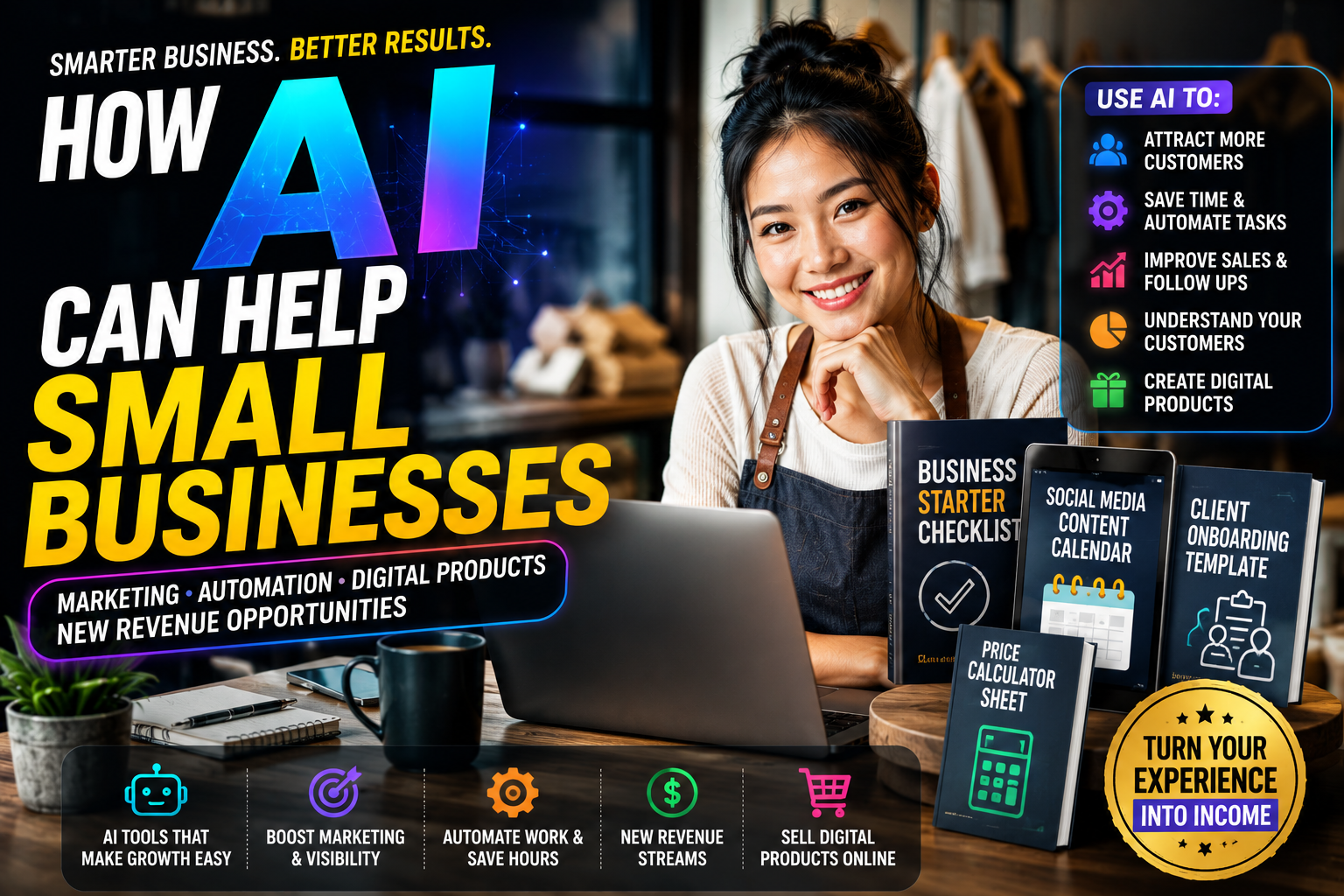
Learn how small businesses can use AI for marketing, sales, customer service and automation—and turn real business experience into digital products to sell online.
By Davie

Learn how to build an AI-powered online business with practical ideas, tools, customer strategies, AI automation and a 30-day startup roadmap
By Davie
Get the updates, on newly released, popular & fast-moving MRR digital products
Up to Top